Whiteboard animation vs. traditional video

“Whiteboard animation or traditional video?” sounds like a style choice, but it is really a communication-design question. What does the viewer need to notice, understand, trust, or do?
Traditional video is not one format. It may mean a presenter speaking to camera, filmed product footage, a screen recording, an interview, or a motion-graphics edit. Each does a different job. Whiteboard animation is another tool in that set: particularly useful when a concept becomes clearer as the visual is constructed in sequence.
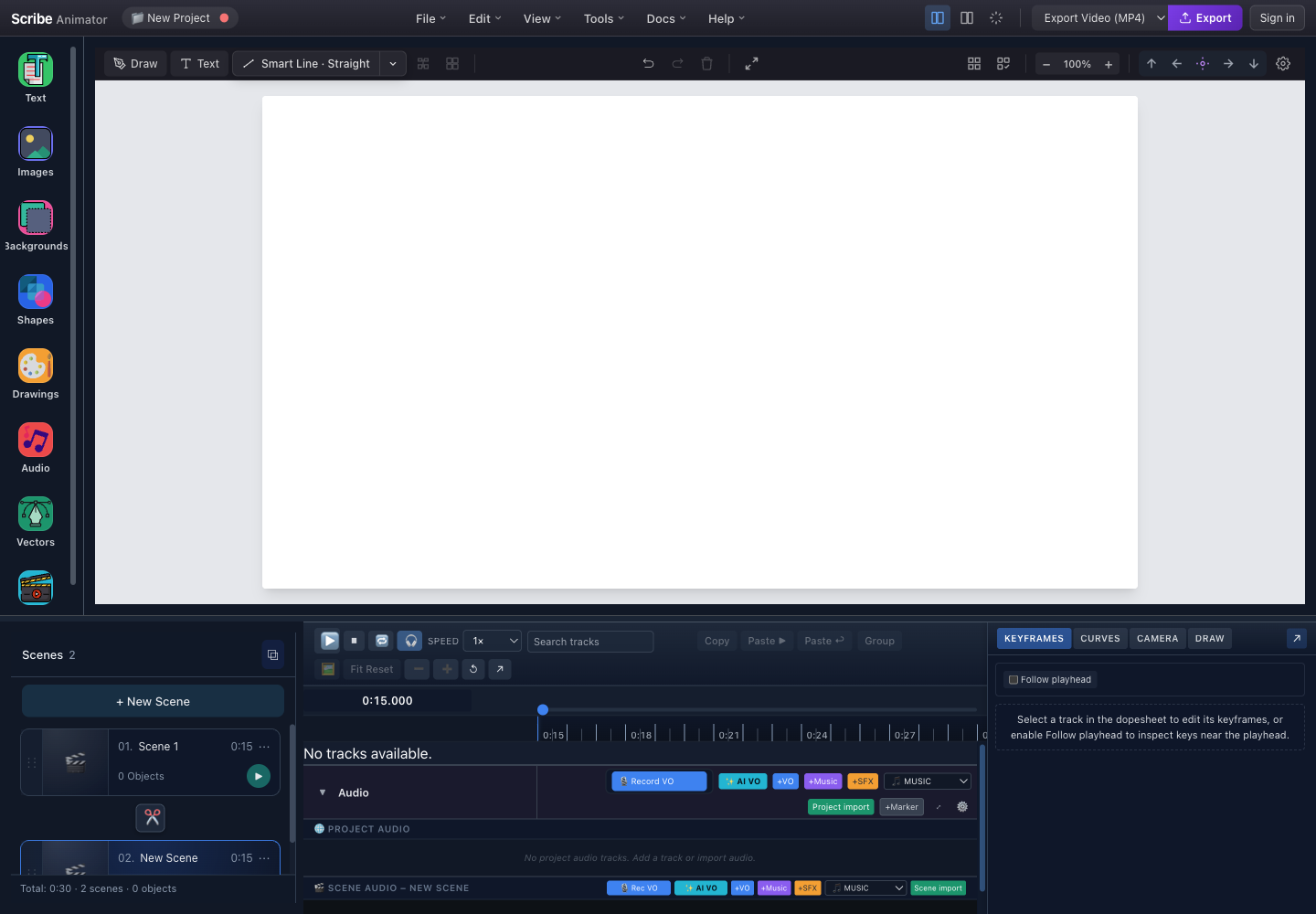
The meaningful differences
| Communication need | Whiteboard animation | Live action | Screen recording | Conventional motion graphics |
|---|---|---|---|---|
| Explain an abstract system | Strong when a diagram can build step by step | Depends heavily on supporting graphics | Weak unless the system exists in software | Strong, with broad visual freedom |
| Show a human or physical experience | Limited | Strong | Limited | Usually illustrative rather than evidential |
| Teach exact interface actions | Better for the concept around the task | Can introduce the task | Strong for the exact clicks and states | Useful for callouts and transitions |
| Revise structure later | Scene and object edits remain available in Scribe | May require another shoot | Requires a new capture when UI changes | Depends on the editing project |
| Keep attention on one developing idea | Natural fit | Depends on direction and performance | Interface details can compete for attention | Depends on composition and pacing |
No column is universally “best.” A filmed customer interview can establish credibility that an animation cannot. A whiteboard sequence can explain the system behind that interview more clearly than another minute of talking heads.
Whiteboard animation: strengths and constraints
Where it works well
Whiteboard animation gives the editor deliberate control over information order. In Scribe Animator, a scene can reveal vector paths through Draw Steps, introduce text with a preset, move objects with keyframes, and align those changes to narration. Because the object model stays editable, the team can revise a label without rebuilding the complete video.
It also encourages a useful discipline: one visual statement at a time. A process can begin with the starting condition, add the decision, and then show the outcome. The viewer does not have to decode the full diagram immediately.
Where it can go wrong
The same visual language becomes tiring when every line is drawn slowly, every scene uses a hand, and every sentence receives a matching icon. Complex raster images do not become good drawable art merely because they can be traced. Frequent camera movement can make a simple canvas feel unstable.
Whiteboard animation also cannot replace evidence. If the promise depends on product appearance, physical workmanship, an instructor's performance, or a real user's experience, show that material directly.
Decide from the viewer's next action
Use a whiteboard explainer when the viewer must:
- understand a process, relationship, framework, or sequence;
- retain a small set of connected ideas;
- see how a conclusion is assembled; or
- receive the same clear conceptual explanation across many sessions.
Prefer live action when the viewer must see a person, environment, physical demonstration, or authentic emotional response. Prefer a screen recording when the task is “click here, enter this, then confirm that.” Prefer conventional motion graphics when the message needs a visual language beyond the drawn-canvas metaphor.
For many product lessons, the best answer is hybrid. Open with a short whiteboard model of the workflow, switch to a screen recording for the exact interface, and return to the diagram for the recap.
Build a hybrid structure in Scribe
Scribe's scene model makes the conceptual portion easy to organize. Give every scene a narrative purpose, such as:
- Why the task matters
- The three-part mental model
- What to look for in the interface
- Recap and next action
For step 3, record the screen directly in Scribe on a supported Desktop browser or import an existing recording. Scribe turns short recording steps into ordinary editable scenes, so the exact interface can sit beside annotations and camera moves without flattening the explanation first. For faithful long-form capture or a production that depends on live footage, keep using the specialist recording or delivery workflow that fits the job.
Within Scribe, duplicate a completed scene when the next beat needs the same composition. Rename the copy immediately and change only the elements that advance the story. The scenes and templates workflow explains what duplication preserves and why global timing moves after reordering.
Integrate an explainer into a larger video strategy
Think in reusable communication units rather than one “hero video.”
- A 60–90 second conceptual explainer can introduce a help-center collection.
- Keep a reusable diagram in the editable
.scribeproject; public static SVG export is unavailable. - A longer training project can be split into chapter-sized exports.
- The same visual vocabulary can connect onboarding, support, and internal training without forcing every asset into the same duration.
- A short whiteboard setup can lead into a live webinar or product demonstration.
Keep the editable .scribe project as the source for Scribe material. A rendered MP4 is a delivery file, not a revision-friendly master. See the export guide for video and editable-package boundaries.
Measure the explanation, not the drawing effect
Start with one outcome and choose evidence that matches it.
| Goal | Useful signals | What to investigate |
|---|---|---|
| Explain a concept | Completion, replay points, a short comprehension question | Where viewers stop or answer incorrectly |
| Drive a next action | Qualified clicks or completed next steps | Whether the call to action arrives with enough context |
| Reduce repeated support | Follow-up questions and issue categories | Which concept still needs a clearer visual |
| Train a process | Task completion and error patterns | Which step is remembered incorrectly |
Your publishing, learning, or analytics platform will usually own these measurements; the Scribe project itself is the authored media. Avoid treating view count alone as proof that the explanation worked.
Run a simple qualitative check before release. Show the draft without an introduction, then ask the viewer to explain the model in their own words. If they remember the hand style but not the sequence, the animation is decorating rather than teaching.
Worked decision: an approval workflow
Consider a hypothetical company introducing a new expense-approval process.
- A whiteboard scene is a good way to show how an employee request moves to a manager and then to finance.
- A screen recording is better for showing the exact form and approval button.
- A brief presenter clip may help the finance lead explain why the policy changed.
- A final Scribe scene can restate the three checks before submission.
The formats are not competing for the entire project. Each owns the evidence it communicates best.
The selection rule worth keeping
Choose whiteboard animation because construction clarifies the idea—not because a drawing hand looks engaging in isolation. Then use Scribe's timeline, Draw Steps, audio lanes, and camera controls only to preserve that clarity. If you are new to the application, start with the workspace tour and timeline guide before designing a multi-format campaign.